 MatchFetch
MatchFetch
MatchFetch
Powerful tools to explore your matches.
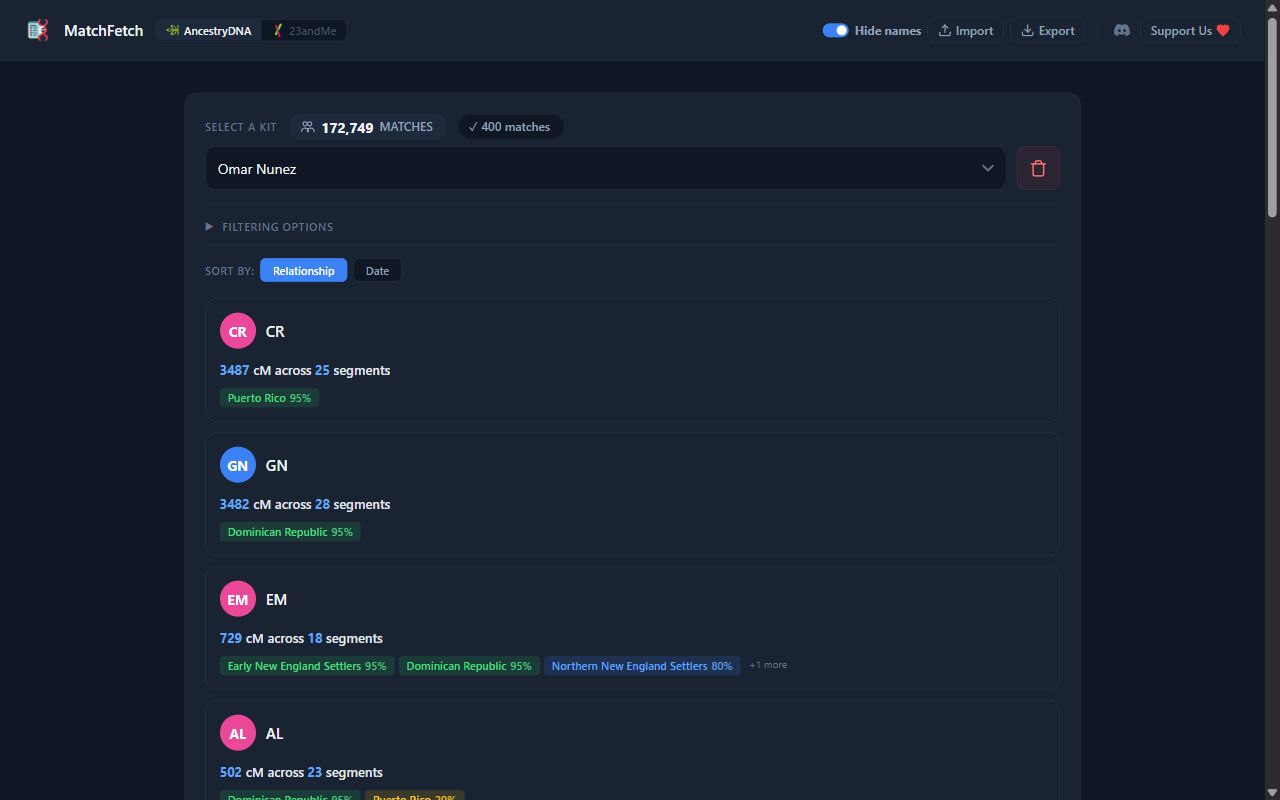
Switch between your DNA services with one toggle. Each keeps its own profiles and matches.
Cards with photos, names, cM/segments, and haplogroups. Filter by name, cM range, journeys, regions, side, and grandparent birth locations.
Ethnicity with confidence ranges, ancestral journeys, trace ancestry, interactive maps, and haplogroups.
Fetch everything, or limit by count, cM, or country. Resume if interrupted. Check for new matches.
Everything saved in IndexedDB. Switch profiles, never re-fetch. Export or restore JSON anytime.
Nothing leaves your browser. Toggle names to hide them.
Install, fetch, and explore — it's that simple.
Add MatchFetch from the Chrome Web Store. Works right out of the box.
Open your DNA service, launch the extension, pick your profile, and hit Fetch.
Cards, maps, filters — everything at your fingertips. Data stays local.
Install MatchFetch for free and see what you find.
Add to Browser — It's Free